A poster workspace for the details that make it yours
Open a poster generated in PosterDesign, choose an editable template or start with your own image or a blank poster. Keep the direction you like and personalize the announcement for your event or business.
Select a text object to change its words, font, size, color and alignment. Add text where you need more information and reposition objects to keep the composition balanced. Undo and Redo help you compare edits.
AI Writing is a separate choice for decorative lettering: it produces an image, while text you type remains editable. When the design is ready, check the complete layout and choose PNG or JPEG in Export.
Begin with a design, not an empty task
Use Recommended to choose an editable template. If you already have artwork, add it with Upload image, or build from a blank poster. An imported image gives you a visual starting point; its existing lettering does not automatically become editable text.
Open the composer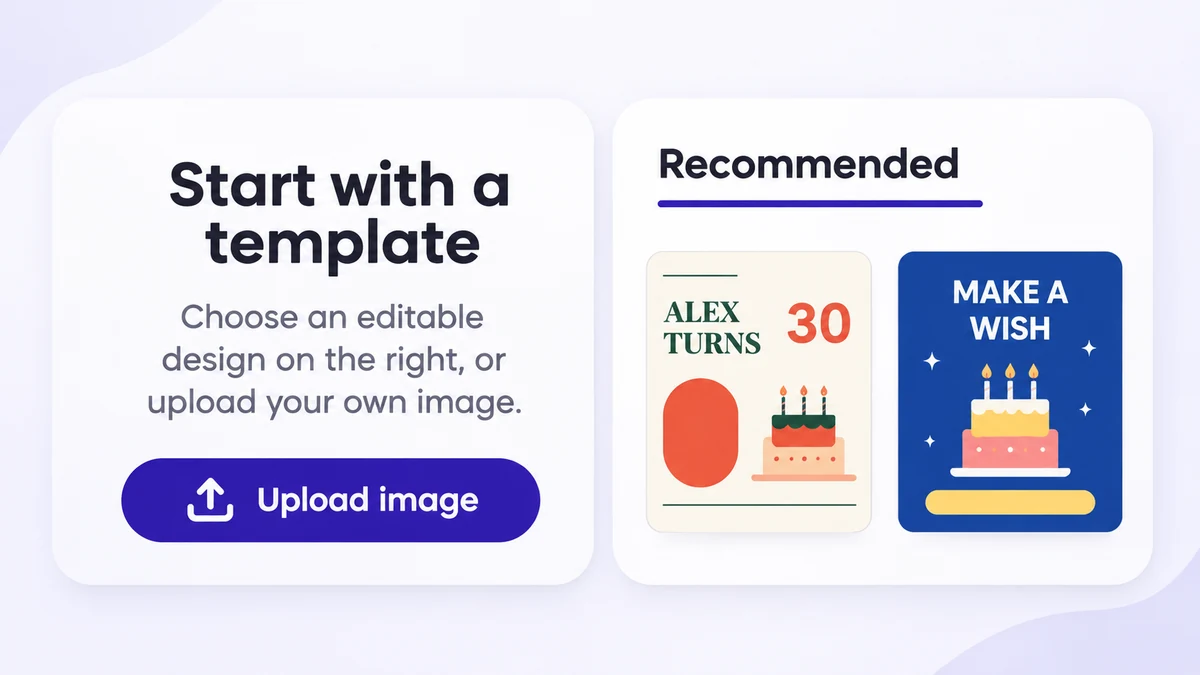
Edit text directly
Select a text object to open its toolbar. Replace the words, pick a font, change color or alignment and adjust its placement. After extending a headline, check its wrapping and space around the event details. Use Undo to reverse a change you do not want.
Open the composer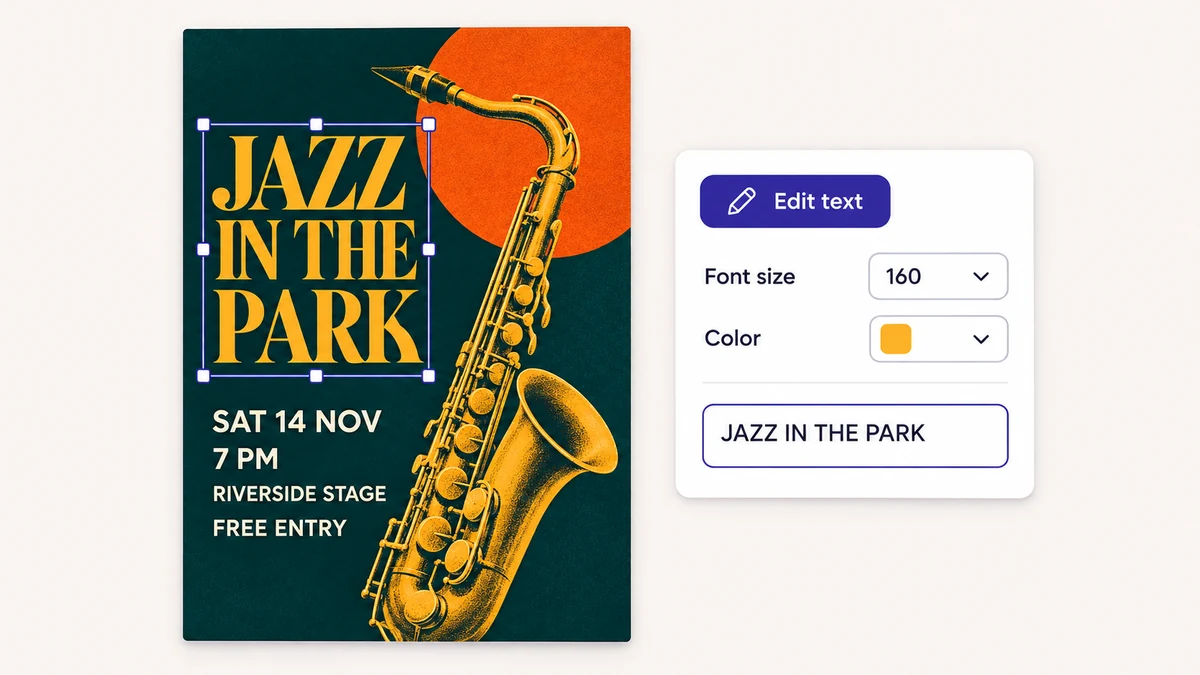
Give a headline an artistic treatment
Open AI Writing for decorative lettering. Choose a background-style reference, font-file reference or reference image, then check the displayed credit cost. The lettering it generates is an image; use editable text for details you expect to keep revising.
Open the composer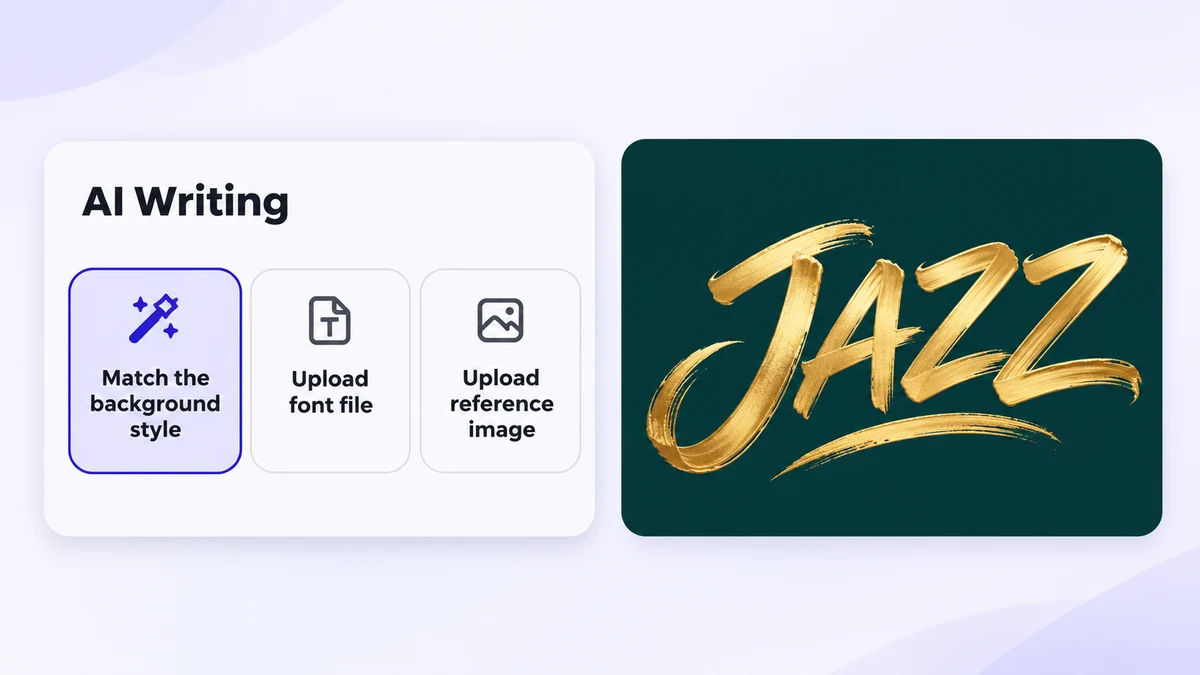
Export the composition you have checked
Read names, dates, times and other practical details before exporting. Look at the canvas edges and check for overlapping or clipped text. The Export dialog lets you choose PNG or JPEG for the current poster.
Open the composer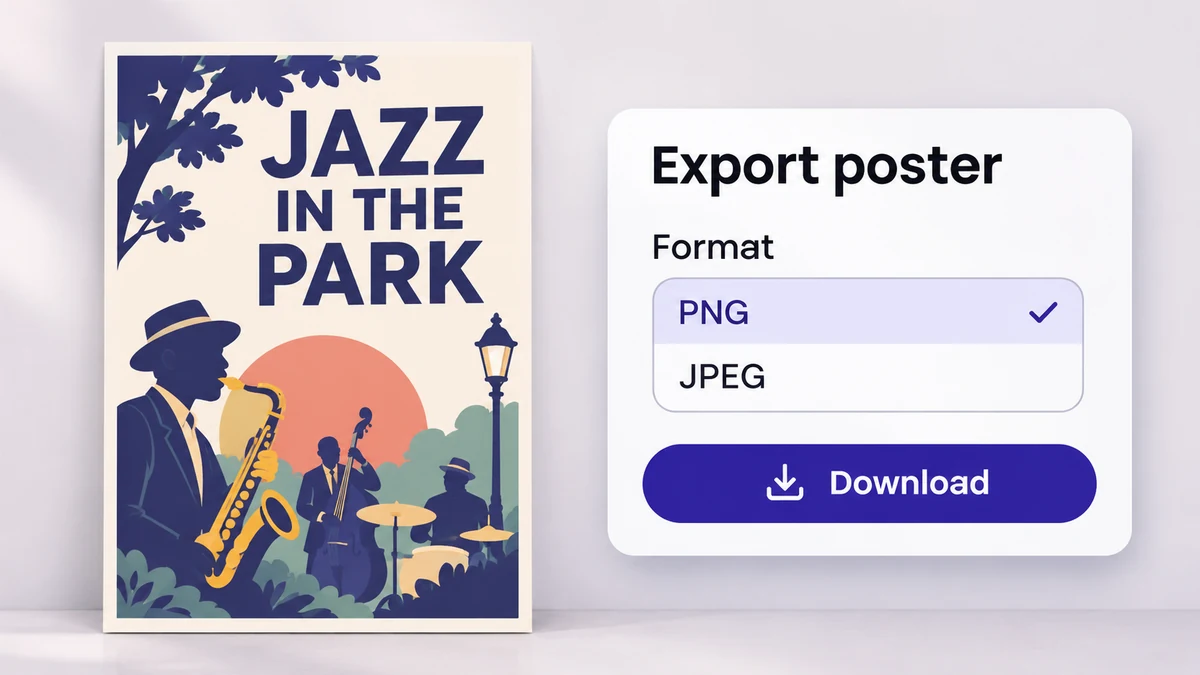
Know which part you are editing
Use the right kind of object for each part of the announcement.
Editable templates
A template gives you a starting composition with editable text you can replace.
Your own images
Imported artwork remains an image. Add separate text when you need wording you can change later.
Editable text
Use the text toolbar for wording, font, color, size, alignment and position.
Artistic lettering
AI Writing creates an image treatment for selected words rather than another editable text object.
From a starting design to an exported poster
Use the canvas for specific edits, then check the result as a complete announcement.
Choose, edit and export
- 01
Choose your starting point
Open a Recommended template, upload an image or create a blank poster. Identify which objects are editable before making changes.
- 02
Personalize the words and layout
Use the text toolbar and Add text for your wording. Adjust the spacing, compare edits with Undo and keep essential information readable.
- 03
Check and export
Read the complete design and inspect its edges. Open Export to choose PNG or JPEG after you have checked the composition.
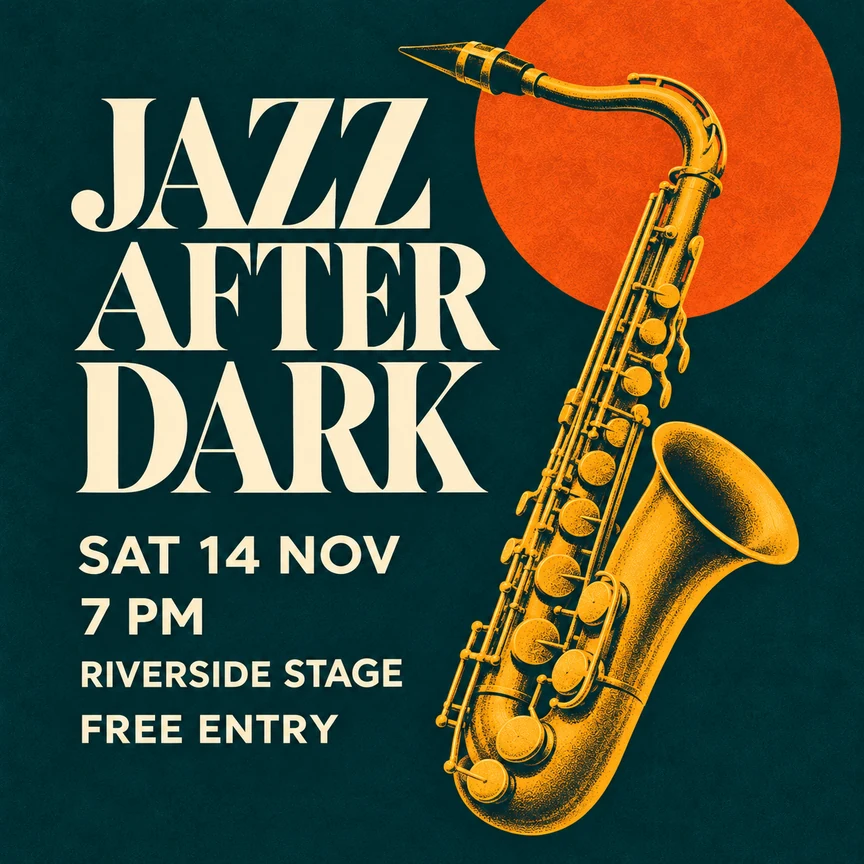
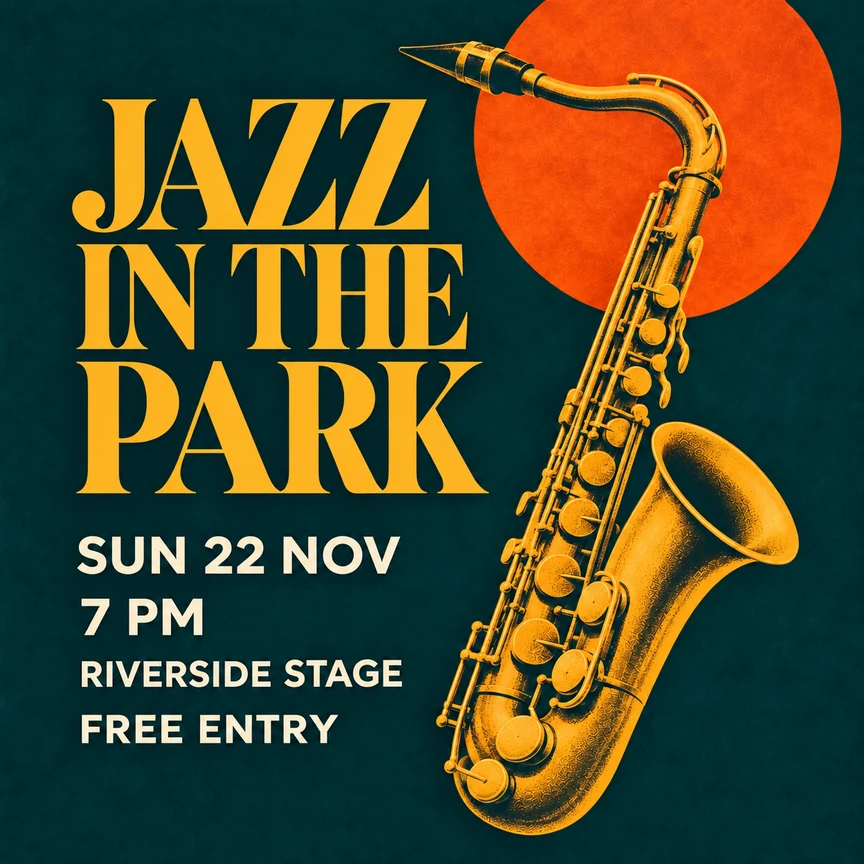
Two versions of the same jazz announcement
Both versions use the same artwork. The revision changes only the text: a new title, a new event date and a gold headline color. Compare how the words change the announcement.
Poster editor FAQ
How do I start editing a poster?
Choose an editable design in Recommended, use Upload image for your own artwork, or select Create a blank poster. Then select an existing text object or use Add text to enter your wording.
Can I edit every word inside an uploaded PNG or JPG?
No. Text already embedded in a PNG or JPG remains part of that image. You can add separate text objects, but importing an image does not automatically separate its original lettering, photos and decorations.
How is AI Writing different from editable text?
Text you type stays editable with the text toolbar. AI Writing turns the selected words into artistic lettering as an image. You can match the background style, upload a font file or use a reference image. Review the displayed credit cost before generating.
Can I undo a text change?
Yes. Use Undo to reverse an edit and Redo to reapply it when available. These controls let you compare a change without starting the poster again.
Which export formats are available?
The Export dialog offers PNG and JPEG. Check the wording, text boundaries and layout before downloading your current poster.
Do I need to sign in to save my poster?
Your edits are cached in this browser while you work. To reopen a design later from History, sign in and save it.
What if a longer headline no longer fits?
Adjust the text width to change wrapping, reduce the font size or move nearby objects. Check the whole headline and leave enough room for the organizer and date.